 90°
90°Exactly 90° off the wall.
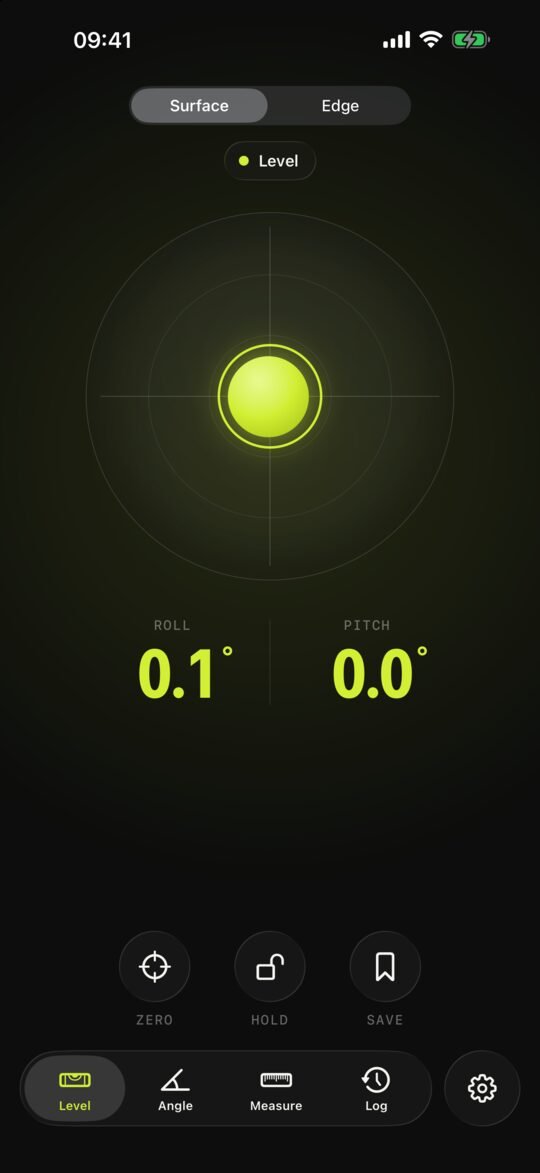
Lay your iPhone against the house wall, turn it on a straightedge – at 90° everything turns green and it beeps. Plus a level, slope, 3-4-5 check and heights against a reference mark.
€4.99 once · no subscription · no in-app purchases · iOS 26 or later
One tool for the whole site.
Built for decks, fences, footings, screed and digging. Big digits, sound and haptics – so you can watch the straightedge instead of the screen.
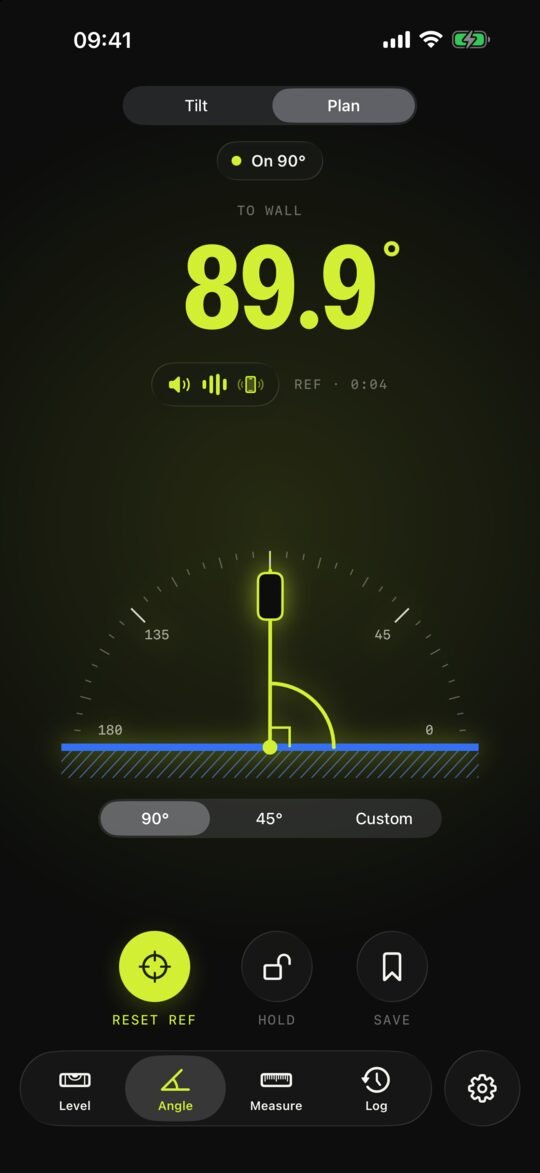
Square off a wall
The wall is the reference, the gyroscope measures the turn. Target 90°, 45° or any angle.
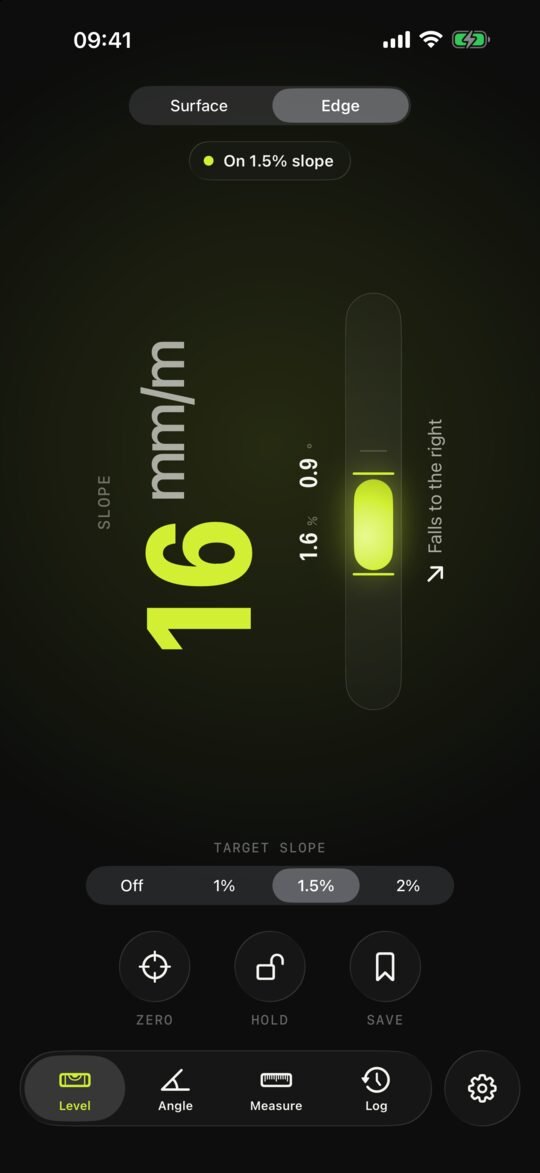
Level & slope
Bull's-eye and tube vial. Target falls of 1–2% for decks, shown in mm/m, % or degrees.
Height to a reference mark
A virtual laser line on every wall, deviation in mm or cm and a coloured height map of the floor – with LiDAR.
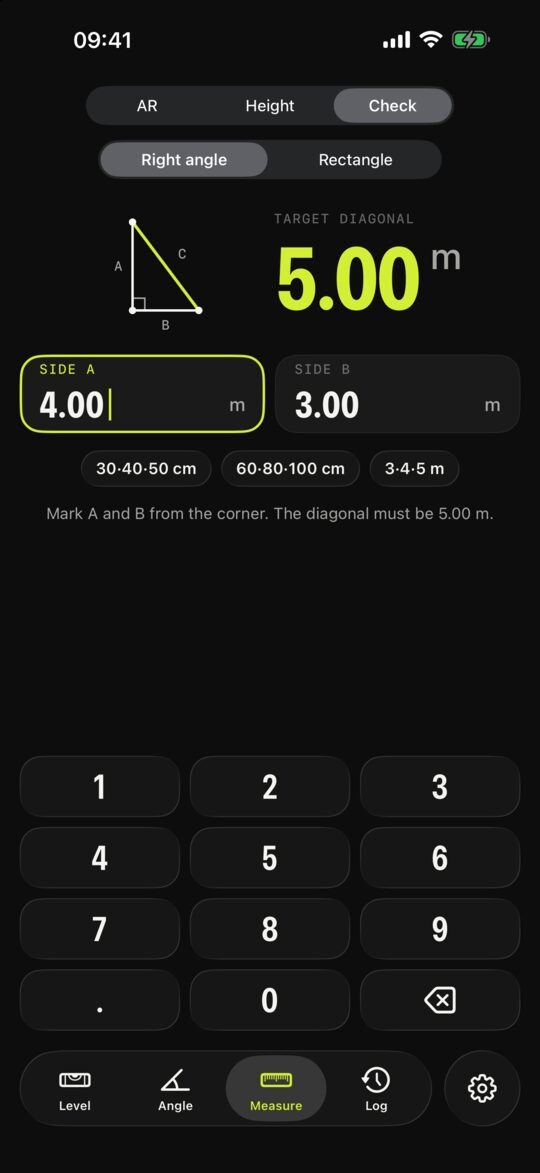
3-4-5 check
Work out the target diagonal and check rectangles. The app tells you which corners to push together.
AR measure
Distances and corner angles with the camera and LiDAR. Saved to your log.
Outdoor mode
Black on white with heavy digits – readable in direct sun.
No login, no sign-up. Open it and measure.
No analytics, no ads. Every measurement stays on your iPhone.
No subscription, no in-app purchases. Every feature included.
Honest about accuracy.
An angle error of 0.5° is already 2.6 cm over 3 m. So 90° tells you openly how accurate each feature is – and reminds you to check what matters.
Tilt ±0.1° after calibration · Plan ±0.3–0.5° short-term · AR distance ±1 cm/m · Height ±5–10 mm. For footings, decks and screed, always verify with a tape, 3-4-5, a laser or a water level.
Requirements: iPhone with iOS 26 or later. AR measure and Height work best with LiDAR (iPhone Pro models from iPhone 12 Pro).